
Introduction
One UI 8 is Samsung’s own software layer on top of Android 16. It is not a new phone, and it is not a separate operating system. It is the set of menus, AI tools, security controls, and screen layouts that Samsung adds to Android on Galaxy phones, foldables, and tablets.
Samsung started the One UI 8 rollout with the Galaxy S25 series on September 18, 2025, after the software had already appeared on the Galaxy Z Fold7 and Z Flip7 in July 2025. This article covers what changed, which models Samsung listed for the rollout, and the exact steps Samsung gives for checking and installing the update.
What is One UI 8, and how is it different from Android 16?
One UI 8 is Samsung’s interface and feature layer built on Android 16, so Android supplies the core system while Samsung supplies the Galaxy menus, AI tools, security controls, and layouts for phones, foldables, and tablets. A Galaxy phone can therefore run the same Android version as another brand and still look and behave differently.
The distinction matters when you read update news. A report about Android 16 alone does not tell you which Samsung features arrived, and a report about One UI 8 does not apply to a non Samsung phone. Samsung describes One UI 8 around three ideas: AI that understands more than typed text, a design that adapts to different screen shapes, and personal suggestions that stay protected on the device. Those ideas show up in the features below, from Gemini Live to the new security design for personal data.
When did One UI 8 arrive, and which phones got it first?
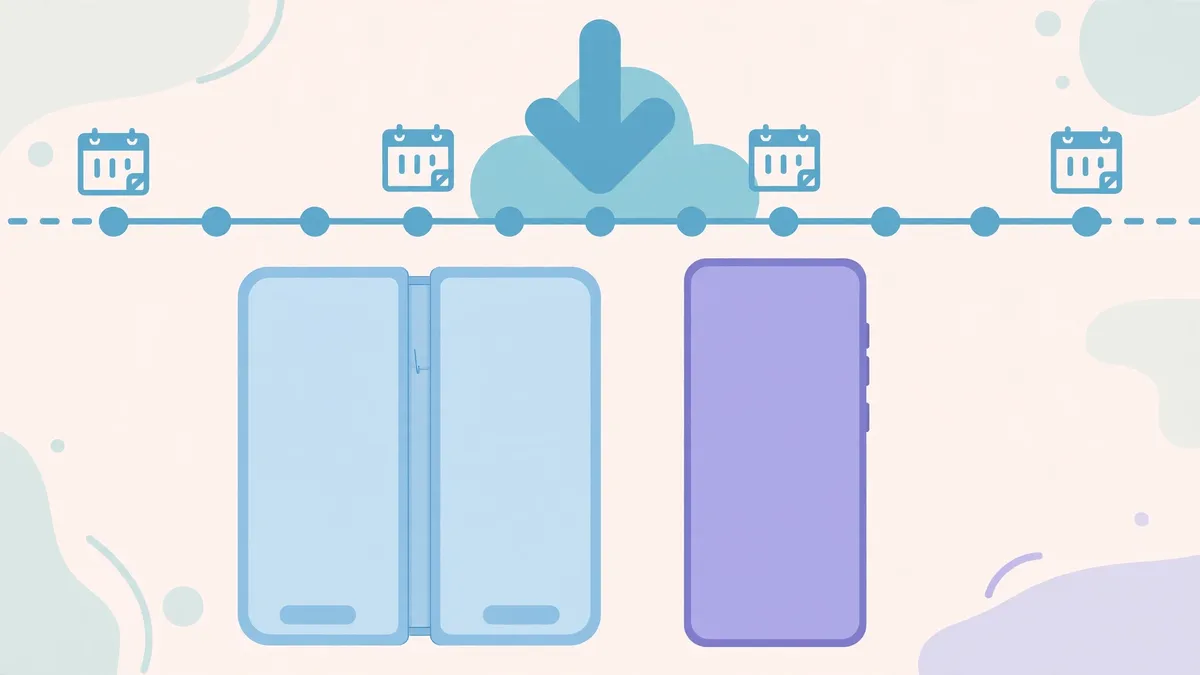
One UI 8 first appeared on the Galaxy Z Fold7 and Z Flip7, which shipped with the new software in July 2025, and the wider rollout to existing phones started with the Galaxy S25 series on September 18, 2025. Samsung then named the S24 series and Z Fold6 and Z Flip6 as next in line.
That order is normal for Samsung. New foldables often ship with the newest software first, because their launch date sets the debut. Existing phones follow in waves, and the first wave usually covers the most recent flagship series. Samsung’s rollout announcement for existing devices started with the Galaxy S25 series on September 18, 2025, and its Canada announcement said One UI 8 would be available on the Galaxy S25 series by the end of September 2025.
Which Galaxy phones and tablets are on the One UI 8 list?
Samsung’s rollout announcement listed a wide set of Galaxy phones and tablets for One UI 8, starting with the Galaxy S25 and S24 series, the Galaxy Z Fold6 and Z Flip6, and the Galaxy S24 FE, and extending to older models and many A series phones.
For the S series, Samsung listed the Galaxy S25 series, S24 series, S23 series, S22 series, S21 FE, S24 FE, and S23 FE. For foldables, it listed the Galaxy Z Fold6, Z Flip6, Z Fold5, Z Flip5, Z Fold4, and Z Flip4. For the A series, it listed the Galaxy A56 5G, A36 5G, A26 5G, A17 5G, A17, A07, A06 5G, A55 5G, A35 5G, A25 5G, A16 5G, A16, A15 5G, A06, A54 5G, A34 5G, A73 5G, A53 5G, and A33 5G. For tablets, it listed the Galaxy Tab S10 series, Tab S10 FE, Tab S10 Lite, Tab S9 series, Tab S9 FE, and Tab S8 series. Samsung also said that rollout timing may vary by country and network, and that some functions may require a network connection. A listed model was planned for One UI 8, but not every feature works the same way on every model.
What does multimodal AI change in daily use?
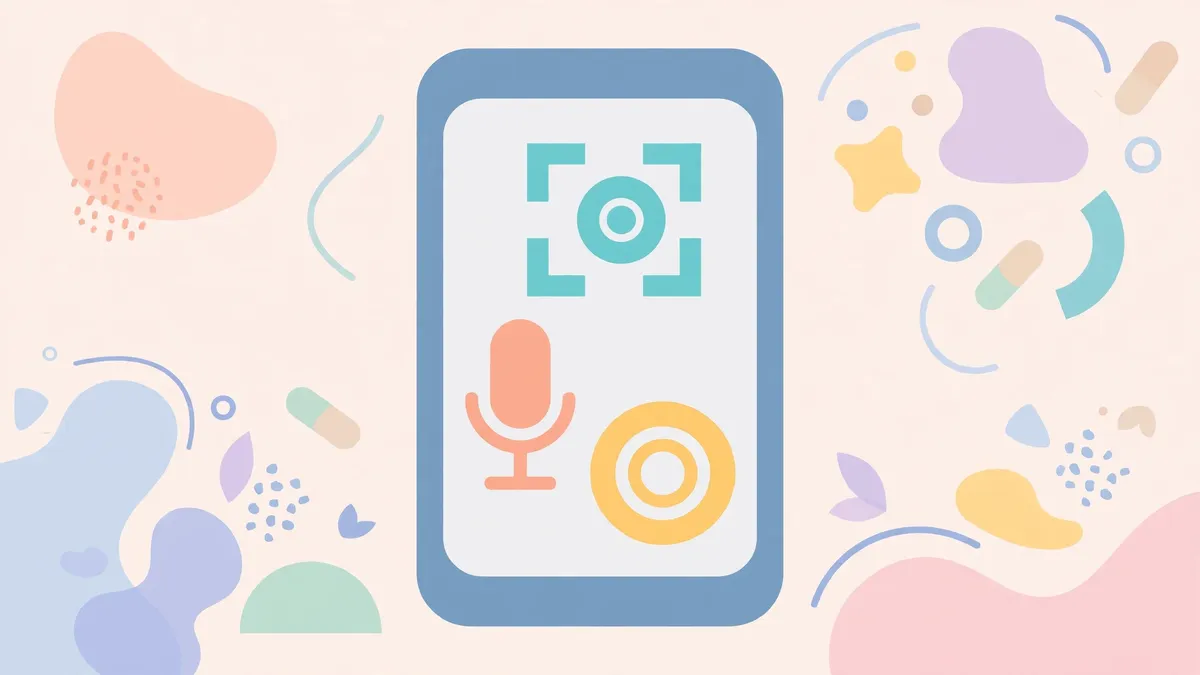
Multimodal AI in One UI 8 means the phone can use what you see, hear, and type together, instead of relying on typed text alone, and Samsung points to Gemini Live and Circle to Search as the clearest examples today.
Gemini Live is the more conversational of the two. Samsung says it allows natural communication with AI that understands what you are seeing or watching in real time, without switching between apps. Circle to Search works in a different way. You circle something on the screen, and Google returns information about it. Samsung highlights two uses in One UI 8: help during gameplay, with information about characters and strategies, and improved translation, which shows translated text in real time as you scroll. Both tools still depend on visual matches and network access, and Samsung says accuracy is not guaranteed for Circle to Search results.
What do Now Bar and Now Brief do?
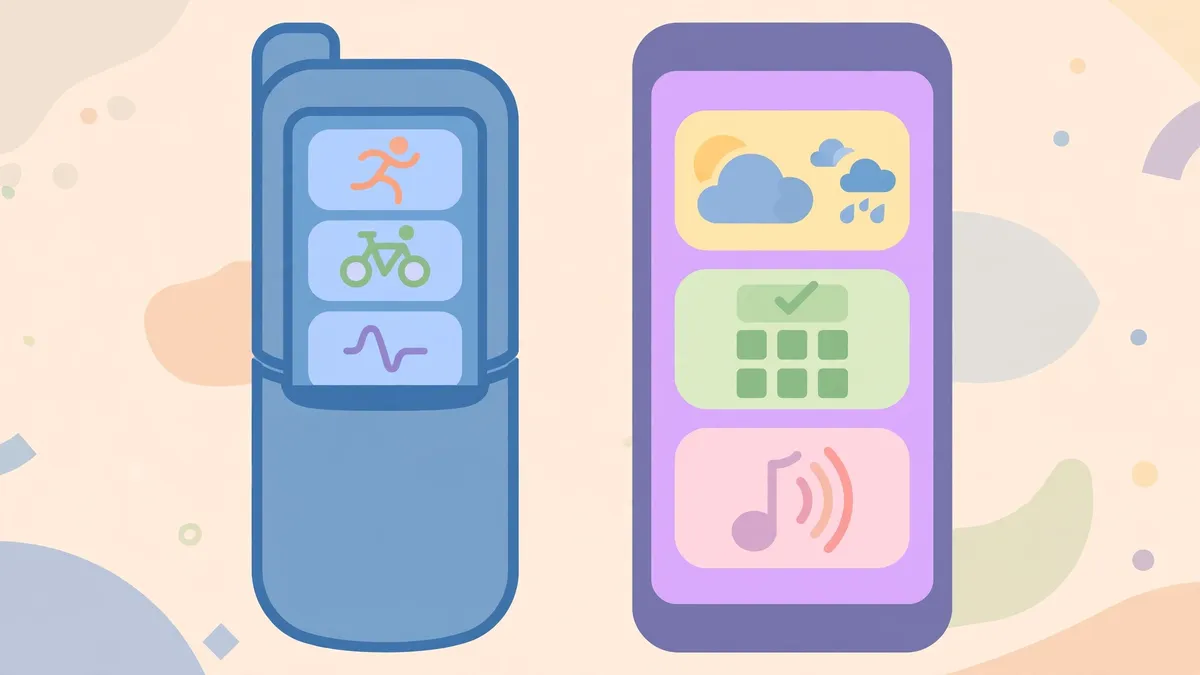
Now Bar shows live activity on the Galaxy Z Flip cover screen, while Now Brief gives a personal daily summary with traffic, reminders, and suggestions, so you open fewer apps for routine checks. Now Bar covers the present moment, and Now Brief covers the day ahead and the day just passed.
Now Bar shows real time app activity and media player progress directly on the Galaxy Z Flip FlexWindow, and Samsung says it is now integrated with even more third party apps. Now Brief goes further. Samsung says it provides personal daily updates including traffic, important reminders, and Samsung Moments, which lets you reflect on daily routines. It can also give music and video suggestions and Galaxy Watch health insights. Now Brief requires a Samsung Account login, and Samsung says service availability may vary by country, language, device model, or apps, and some features may require a network connection.
How does One UI 8 protect personal data?
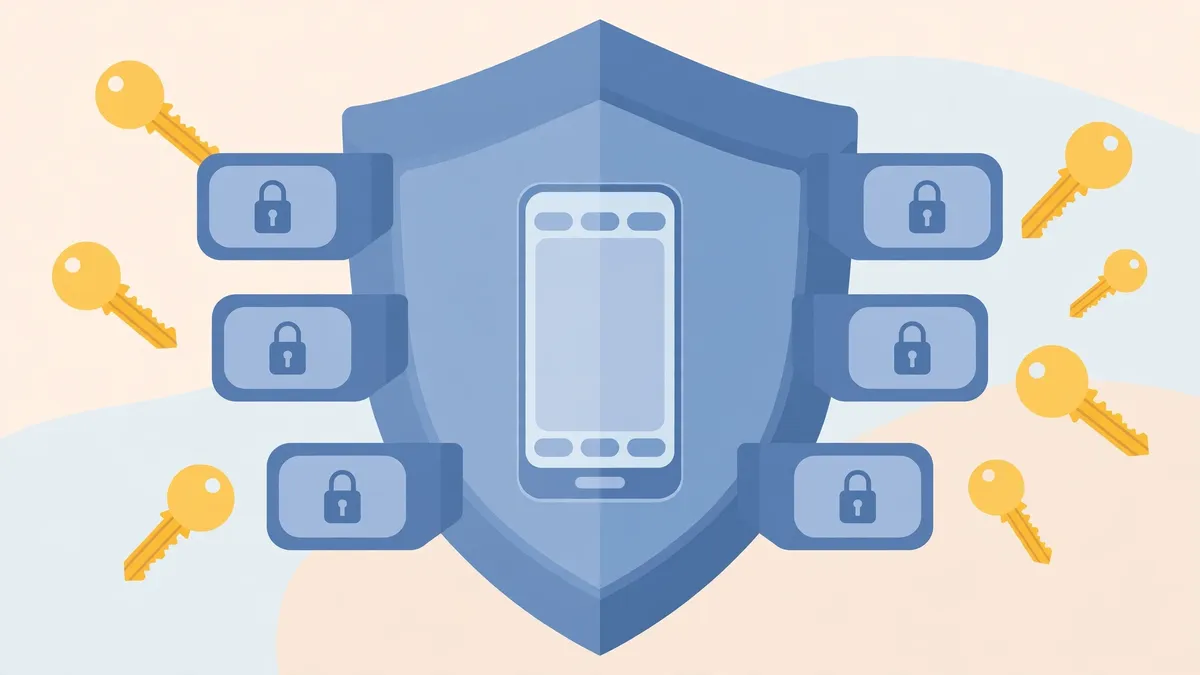
One UI 8 protects personal data with Knox Enhanced Encrypted Protection, known as KEEP, which creates encrypted storage for each app inside the device so each app can only reach its own sensitive information. Samsung pairs KEEP with the Personal Data Engine and Knox Matrix for account level protection.
KEEP is the part that matters most for AI features, because personal suggestions need personal data to be useful. Samsung says KEEP is designed to safeguard the next generation of AI experiences used by the Personal Data Engine, and it creates encrypted, app specific storage environments within the device. The Personal Data Engine itself only functions when the Personal Data Intelligence menu is on, and Samsung says analyzed data will be deleted once that menu is turned off, and that it currently analyzes Samsung native applications. Knox Matrix adds a device level response. Samsung says it automatically signs devices out of the Samsung Account if a serious risk such as system manipulation or identity forgery is flagged, and it sends notifications across connected Galaxy devices with guidance on how to protect data. Samsung also upgraded Secure Wi-Fi with post quantum cryptography for stronger network protection.
What changed for foldables and large screens?
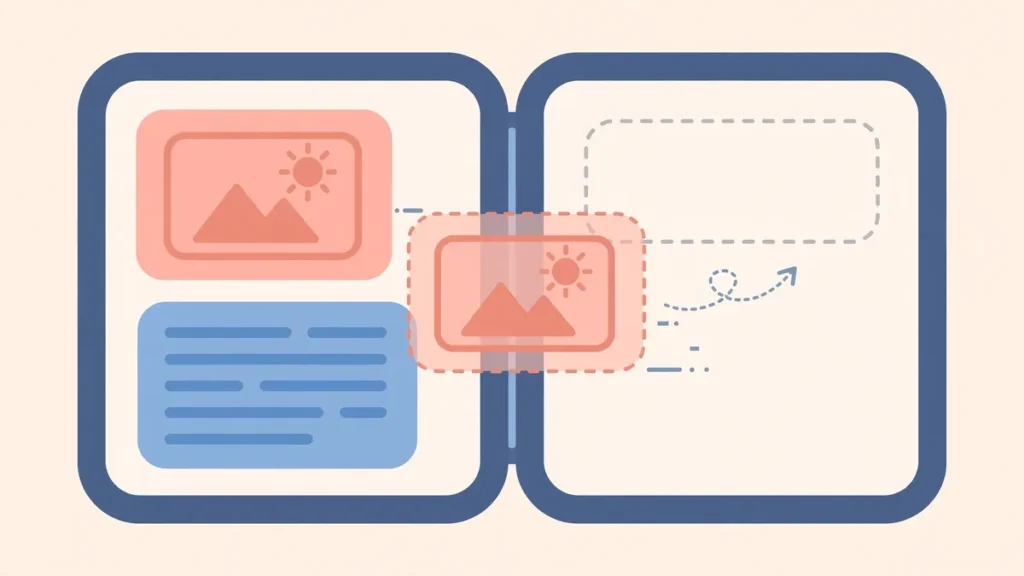
One UI 8 adapts its layout to foldables and tablets by keeping AI results visible beside your work, letting you drag AI generated content into other apps, and putting Gemini Live on the Flip cover screen for hands free use. The goal is to stop the phone from hiding your original content every time an AI tool answers.
AI Results View is the clearest example. Samsung says it displays results from AI features in a separate Split View or Floating View, keeping the original content visible and unobstructed. If you ask an AI tool about a document, you can still see the document while you read the answer. On large screens, Samsung says Multi Window lets you drag and drop AI generated content, including images and text, directly into your workflow. Drawing Assist and Writing Assist are part of that same creative flow, and Samsung says they unlock a smoother process as you move ideas and visuals around. Drawing Assist images carry a visible AI watermark on saving. For the Flip series, Samsung says Gemini Live is now available directly on the FlexWindow for hands free voice search, acting as a personal assistant right on the cover screen. Samsung notes that Gemini Live on FlexWindow will be available on Galaxy Z Flip7, Z Flip6, and Z Flip5. FlexWindow customization is also available on those same three models, according to Samsung.
What changed for calls, video, and everyday creativity?

One UI 8 adds Audio Eraser for noisy video and audio, Call Captions that turn call voices into text, typed input for Interpreter, and Portrait Studio for pet portraits, alongside a clock design that adapts to your wallpaper. These tools are smaller than the platform changes, but owners notice them first in daily use.
Audio Eraser proactively detects and removes unwanted background noise, like wind or traffic, with a single tap on a new toggle in video apps and audio apps. Results can vary by video and by sound type, and Samsung lists voices, music, wind, nature, crowds, and noise as detectable sound types. Call Captions takes a different approach to noisy places. Samsung says it instantly converts voices into text during calls, so you can follow a call by reading when listening is hard. Interpreter, which translates ideas across languages, now also accepts keyboard input, so you can type instead of speaking. Samsung says Interpreter requires a Samsung Account login, and some languages may require a language pack download. Portrait Studio, part of Photo Assist, can capture the expressions of pets and generate artistic, studio like pet portraits. Samsung says it requires a network connection and a Samsung Account login, that editing with it results in a resized photo, and that a visible watermark is overlaid on the image on saving to indicate AI generation. The new clock design stretches and adapts to match the wallpaper, with a font that wraps around faces or contours, and users can customize thickness, size, and color. Samsung notes the clock shape adjusts to contours of humans and animals limited to dogs, cats, and birds.
How do you check for and install One UI 8?
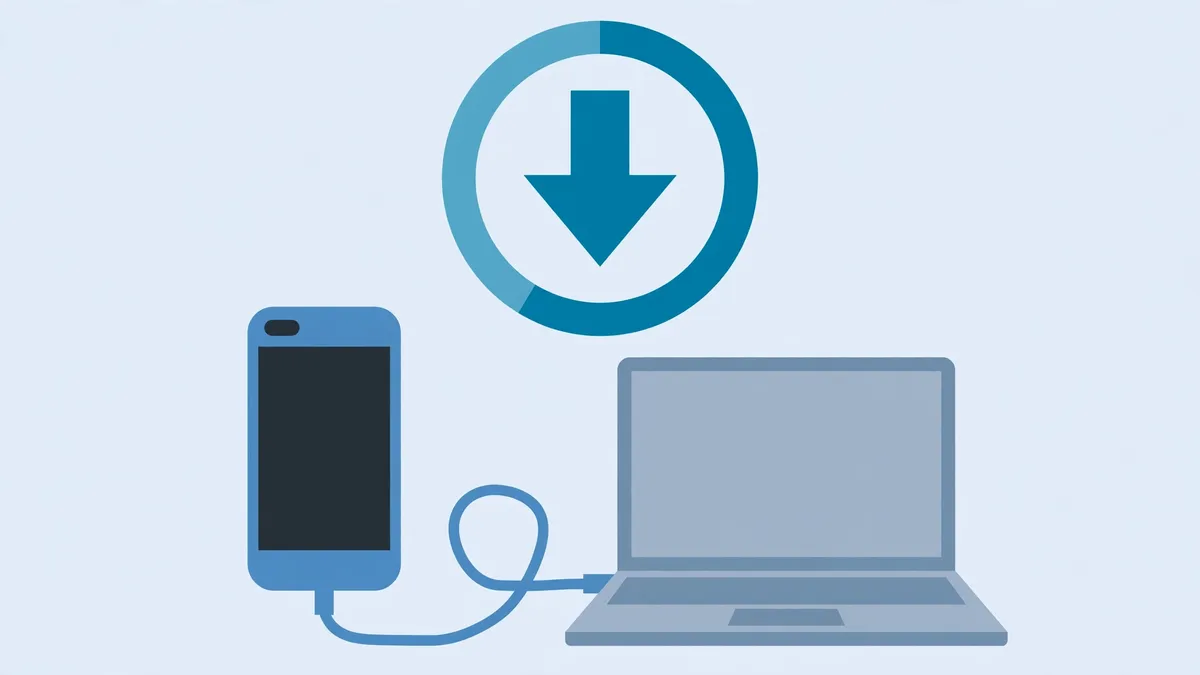
To check for One UI 8, open Settings, tap Software update, tap Check for updates, and follow the on screen instructions, and Samsung says a message will confirm your software is up to date if no update is available. You can also update through Smart Switch on a computer.
Samsung’s support page gives the wireless steps in plain order. Open Settings, tap Software update, tap Check for updates, and follow the on screen instructions. Before you start, Samsung says to make sure the battery is charged to at least 20 percent, and not to disconnect the USB cable or use the device while an update is in progress if you are using a wired route. Your device may restart several times during the update process. For Smart Switch, Samsung says to open Smart Switch on a Windows PC or Mac, connect the device with the USB cable provided, and make sure the USB connection is set to allow file transferring. If a software update is available, Smart Switch will prompt you to update or show an option to update, and you then tap Update and follow the on screen instructions. Samsung also warns that once a device has been updated to the latest software version, you cannot downgrade to a previous firmware version due to enhanced security policies.
What should you do if the update is not there yet?

If One UI 8 is not offered yet, check again later, check the security update screen separately, and use Smart Switch as a second check, because Samsung says rollout timing varies by country, network, model, and carrier. Do not assume a missing update means your model was dropped, and do not install firmware from unofficial sources to force it.
The first check is the simplest. Open Settings, tap Software update, and tap Check for updates, and repeat that check after a few days if nothing appears. Samsung’s rollout announcement says availability of functions may vary by country and network availability, and the Canada announcement adds that rollout on eligible devices may vary. A carrier in one country can approve an update weeks after another carrier, even for the same model. The second check is the security update screen, which Samsung describes separately. Open Settings, tap Security and privacy, tap Updates, tap Security update, and tap Check for updates. That screen tells you about security patch status, which is useful even if the full One UI 8 update has not arrived. Samsung also points users to security.samsungmobile.com to check security updates for a model. The third check is Smart Switch on a computer, which can sometimes offer an update that has not appeared over the air. If none of those checks offers One UI 8, the honest position is that your wave has not arrived yet. Samsung’s listed models cover a wide range, but a list is not a same day promise for every market.
Is One UI 8 the same as Android 16?
No. Android 16 is the core Android version underneath, and One UI 8 is Samsung’s interface, AI tools, security controls, and layouts built on top of it. A Galaxy phone on One UI 8 runs Android 16, but a non Samsung phone on Android 16 does not have One UI 8 features such as Now Brief or FlexWindow tools.
Does every Galaxy phone on the list get every One UI 8 feature?
No. Samsung says availability of functions may vary by country, network, model, and apps, and some features need specific hardware. Gemini Live on FlexWindow and FlexWindow customization, for example, are tied to Galaxy Z Flip7, Z Flip6, and Z Flip5. Check the feature notes for your model rather than assuming a list entry means full feature parity.
Will One UI 8 erase my photos or files?
A normal software update should not erase your files, but Samsung warns that the device may restart several times during an update, and that you cannot downgrade after updating.
Can I go back to One UI 7 after installing One UI 8?
No, not through Samsung’s normal update route. Samsung says once a device has been updated to the latest software version, you cannot downgrade to a previous firmware version due to enhanced security policies. Treat the update as a one way step and check the feature notes first if you depend on a specific behavior.
Why does my friend with the same phone already have One UI 8?
Rollout timing can vary by country, network provider, and market, even for the same model. Samsung says this directly in its rollout notes. Carrier approval, region waves, and staggered release all affect arrival time, so a friend’s phone receiving the update first does not mean your phone was skipped.
Do I need a Samsung Account for One UI 8?
Not for the whole update, but several features do require one. Samsung says Now Brief requires a Samsung Account login, and Drawing Assist, Writing Assist, Audio Eraser, Portrait Studio, and Interpreter also require a Samsung Account login. Gemini Live also requires an internet connection and a Google Account login.
Is One UI 8 safe to install over mobile data?
Samsung says you can update over Wi-Fi or mobile data, but major updates use a lot of data and take time to install. Use Wi-Fi where possible, keep the battery charged, and use Smart Switch on a computer if your mobile data allowance is limited or your connection is unstable.
References
- Samsung Newsroom Singapore, Samsung Begins Official Rollout of One UI 8 to Galaxy Devices: https://news.samsung.com/sg/samsung-begins-official-rollout-of-one-ui-8-to-galaxy-devices
- Samsung Newsroom Canada, Samsung Begins Official Rollout of One UI 8 to Galaxy Devices: https://news.samsung.com/ca/samsung-begins-official-rollout-of-one-ui-8-to-galaxy-devices
- Samsung Support Singapore, How to update your Samsung Galaxy phone or tablet: https://www.samsung.com/sg/support/mobile-devices/how-to-update-your-samsung-galaxy-phone-or-tablet/

2 comments