Introduction
Apple made a change to the Mac that it had resisted for years. On October 28, 2026, it announced the touchscreen MacBook Pro with PROLED XDR Display, the first Mac with Touch. The keyboard and trackpad are still there. Touch is an added way to work with what is on the screen, not a replacement for them.
This article explains the announcement from Apple’s own release: the tandem OLED display, Touch, the Dynamic Island, M5 Pro and M5 Max, the lighter design, ports and audio, United States prices, and November 6, 2026 availability. It also states what Apple has not yet shown, because no independent review is part of this announcement.
What did Apple announce on October 28, 2026?

Apple announced the MacBook Pro with PROLED XDR Display on October 28, 2026, as the first Mac with Touch. It comes in 14 inch and 16 inch models, uses M5 Pro or M5 Max chips, and starts at 2,899 dollars in the United States, with availability beginning Friday, November 6, 2026.
The full name matters, because Apple uses it to separate this machine from other MacBook Pro models. PROLED XDR is Apple’s name for the tandem OLED panel in these two models, and Touch is the second part of the change. Apple says Touch arrives on Mac for the first time with this model, for actions such as scrolling, pinching, dragging, and tapping directly on the screen. Preorders opened October 28 on its online store and in the Apple Store app in 30 countries and regions, including the United States. The machine will begin arriving to customers, and in Apple Store locations and Apple Authorized Resellers, starting Friday, November 6. A preorder placed before that date is not the same as a machine in hand.
What is the PROLED XDR display, in plain terms?
PROLED XDR is a tandem OLED display, which means it uses two self illuminating pixel layers instead of one, and Apple rates it at up to 2000 nits of peak brightness. It also has a 10,000,000 to 1 contrast ratio, a variable refresh rate from 10Hz to 120Hz, and color coverage for both P3 and Adobe RGB.
In plain terms, each pixel makes its own light, so a dark part of an image can stay dark while a bright part stays bright. Apple says that design gives deep blacks and bright highlights without blooming or halos, which are soft glows around bright objects on some screens. The display engine controls color and brightness for every pixel at a very fast rate, and it adjusts for content, pixel use, temperature, and environment at the same time. Apple says the display covers P3 and Adobe RGB, with more than 80 percent coverage of Rec. 2020, in a single default preset. For bright rooms, it points to up to 2000 nits of peak SDR brightness, an antireflective coating, and a nano texture option etched into the cover glass.
How does touch work on a Mac for the first time?
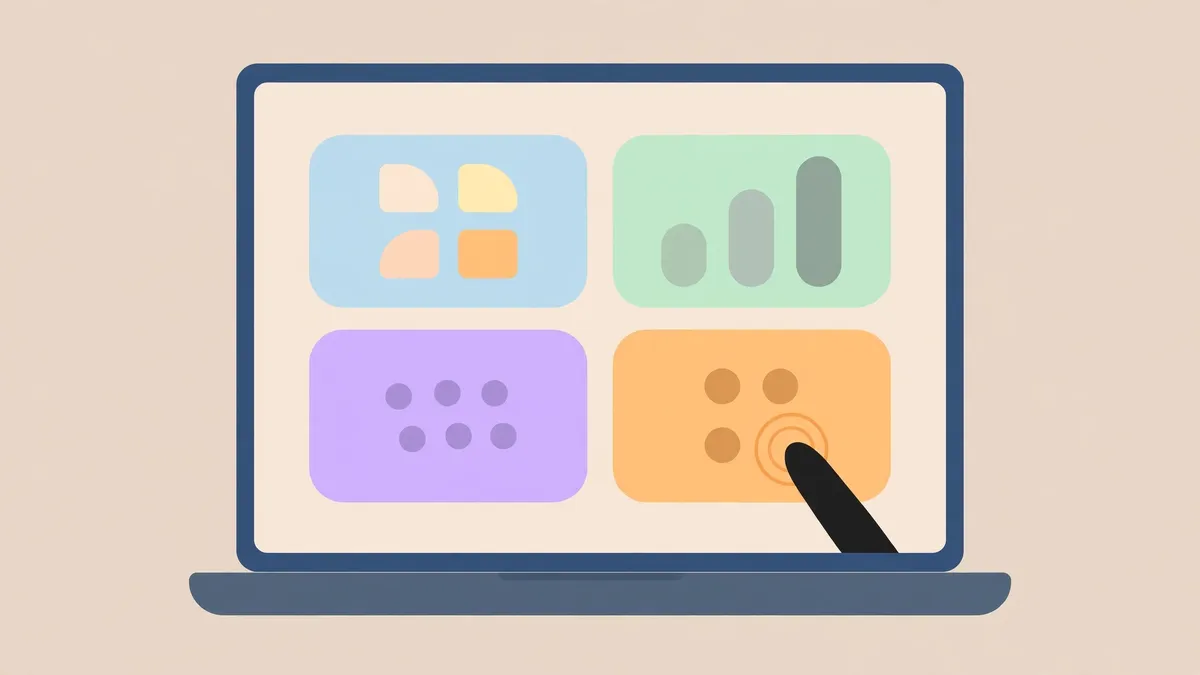
Touch works through a sensor built into the display panel, not layered on top of it, and Apple says that placement reduces latency. Everyday actions include swiping to scroll, pinching to zoom a photo, dragging slides between presentations, and double tapping a window to fill the screen.
The key point for existing Mac users is that Touch does not remove the other inputs. Apple says the new ways to interact work in tandem with keyboard shortcuts and trackpad gestures. A redesigned hinge gives greater stability while using Touch, which matters because a laptop screen on a hinge can move when pressed. Apple also says advanced video stabilization smooths the camera feed in real time while using Touch on a video call. For pro work, designers can use the full display as a canvas, musicians can play software instruments onscreen, and developers can test Touch in their iOS and iPadOS apps directly on the display. Apple says many existing apps work with Touch right away because macOS translates touches into clicks, and it lists apps such as Notion, Canva, Zoom, Microsoft Word, Adobe Lightroom, DaVinci Resolve, Blender, and Shapr3D. One footnote says the apps listed will be available later this year, so full Touch support may not be present in every named app on day one.
What does the Dynamic Island do on Mac?

The Dynamic Island comes to Mac on this model as the home for Spotlight, Live Activities, and Siri AI, so a user can search, see live updates, and use Siri AI from one place at the top of the screen. It works like the Dynamic Island on iPhone, with quick access to calls, music, and timely updates.
Apple describes three uses. Spotlight moves to the Dynamic Island, where a user can search for anything on the Mac. Live Activities show real time updates at a glance, and a user can accept an AirDrop request or pause a song with a tap. Siri AI sits in the same place, where a user can ask a question or get help. Apple adds a footnote that Spotlight only moves to the Dynamic Island if Siri AI is available and enabled, so the behavior depends on that setting. Siri AI is part of macOS 27 on this machine, and Apple says it is in beta in macOS 27.2, with availability depending on region and language, so a buyer should check that before assuming every part works the same way on day one.
What do M5 Pro and M5 Max change for buyers?

M5 Pro and M5 Max are the two chip choices, and both support up to 128GB of unified memory and storage up to 16TB. M5 Pro suits intensive work such as compiling code and editing 8K ProRes video, while M5 Max suits heavier work, including 3D visual effects and large on device language models.
Apple does not present these chips as new in this announcement. The change here is the display, Touch, and the lighter design, while the chips carry over pro performance from this class of machine. If the current machine already handles the work, the reason to upgrade is the screen and Touch, not a new chip generation. For AI work, Apple points to a Neural Accelerator in each GPU core, plus enhanced shader cores and a third generation ray tracing engine for 3D renders. Apple says M5 Max can run language models with hundreds of billions of parameters entirely on device, but it gives no single speed figure for every task, so that is a capability claim, not a measured result for a specific job.
How thin, light, and long lasting is the new design?

The 14 inch model weighs 3 pounds, half a pound less than before, and the 16 inch model weighs 4 pounds, 0.7 pounds less than before. Apple says the 16 inch model is nearly a millimeter thinner, the 14 inch model is half a millimeter thinner, with slimmer borders, so the screens measure 14.2 inches and 16.3 inches.
Apple says the slimmer design comes from the more efficient OLED display stack, and a redesigned thermal design keeps the same sustained performance in the lighter body, while moving warm air away from the display. Apple gives no thickness figure in inches or millimeters in the release, so this article does not invent one. Battery life is stated as up to 24 hours, based on testing conducted by Apple in September 2026, with the caveat that battery life varies by use and configuration. A machine used for video editing, 3D rendering, or sustained AI work will not match a light browsing test. Fast charging is also part of the release, with Apple saying the machine can charge up to 50 percent in 30 minutes, although it does not state a full charge time.
What ports, cameras, and audio do you get?
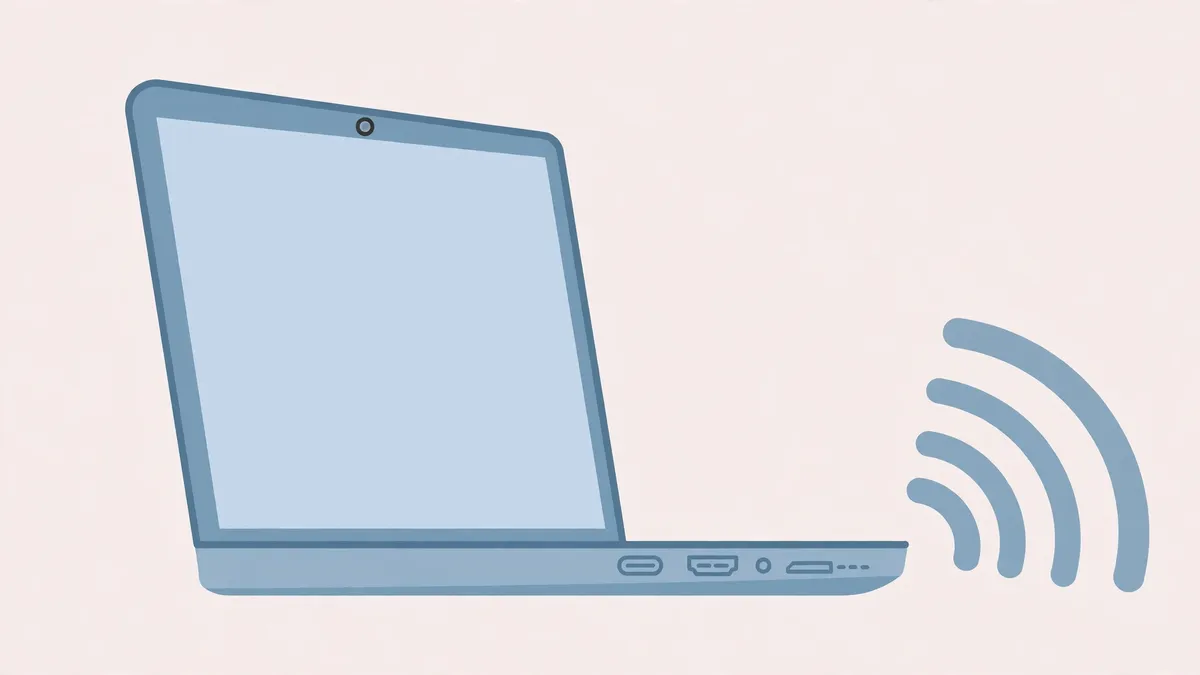
This MacBook Pro includes three Thunderbolt 5 ports, HDMI, an SDXC card slot, MagSafe, and a headphone jack, and it supports up to three external displays with M5 Pro and up to four with M5 Max. It has Wi-Fi 7, Bluetooth 6 through Apple’s N1 wireless chip, Touch ID for login, a 12MP Center Stage camera, and studio quality microphones.
The port list is close to what pro users already expect, and that is the point. A photographer can use the SDXC slot without an adapter, a presenter can use HDMI, and a dock user can use Thunderbolt 5. External display support is the part to check before buying, because it differs by chip. M5 Pro supports up to three external displays, and M5 Max supports up to four, in addition to the built in PROLED XDR display. A buyer with a multi monitor desk setup should count displays before choosing a chip, because the screen and Touch do not change that limit. Audio is also part of the release. Apple says the six speaker system has a new woofer design that gives 50 percent deeper bass, with new tweeters for clearer sound, and Spatial Audio with Dolby Atmos for music and movies. For closed lid use, Apple says dedicated audio tuning gives better sound when the machine is connected to an external display.
How much does each model cost in the United States?

In the United States, the 14 inch model with M5 Pro starts at 2,899 dollars, and the 16 inch model with M5 Pro starts at 3,399 dollars. The 14 inch model with M5 Max starts at 4,499 dollars, and the 16 inch model with M5 Max starts at 4,799 dollars, with education pricing lower in each case.
Those four prices are the starting prices in Apple’s United States release, and they do not include taxes. Education pricing is 2,749 dollars, 3,199 dollars, 4,199 dollars, and 4,499 dollars in the same order, for current and newly accepted college students and educators, with verification required. Memory, storage, and other configure to order options will raise the price above the starting figure, so a buyer should use the starting price as a floor, not as a final price for a specific configuration. Accessories are priced separately: the 70W adapter is 59 dollars, the 96W adapter is 79 dollars, and the 140W adapter is 99 dollars in the United States. Apple also lists an Apple Upgrade lease from 55.99 dollars per month for 36 months, tied to the 2,899 dollar price and excluding taxes and trade in credit, not a price for every configuration.
Who should buy the touchscreen MacBook, and who should wait?

A buyer who works with color, photos, video, 3D, or music on a laptop screen is the clearest fit, because the display and Touch change how that work feels on the machine itself. A designer who draws on the canvas, a colorist who needs a portable reference display, and a musician who plays software instruments onscreen all benefit directly.
A buyer who mainly types, browses, and uses external monitors may gain less, because Touch suits short reaches to the screen while the keyboard and trackpad remain the main inputs for long writing. If the current Mac already handles the work, waiting for independent reviews and for third party Touch support to mature is reasonable. Price is the other filter: the starting price is high, so a buyer who does not need Adobe RGB coverage or Touch should compare the full lineup on Apple’s store before ordering.
What should you check before you order?

Before you order, check the chip, memory, storage, screen size, and price for your exact configuration, because the starting price does not cover every option and external display support differs between M5 Pro and M5 Max. Check Siri AI availability for your region and language, and whether the apps you rely on have Touch support yet.
First, choose 14 inch or 16 inch based on portability and screen size, because both sizes offer both chips. Second, choose M5 Pro or M5 Max based on display count, memory, and storage, because both chips use the same PROLED XDR panel. Third, confirm the total price with memory, storage, and any adapter or AppleCare choice, because the starting price is only a floor. Fourth, confirm the delivery date for your region, because Apple lists November 6 for the United States, and other regions may differ. If any part is unclear, wait for the Apple Store configurator to show the exact configuration.
Is this Apple’s first touchscreen Mac?
Yes. Apple says Touch arrives on Mac for the first time with this model, announced October 28, 2026. Earlier Macs used a keyboard, trackpad, and mouse, and the Touch Bar on older models was a separate strip, not a touchscreen display.
Do I still need the keyboard and trackpad?
Yes. Apple says Touch works in tandem with keyboard shortcuts and trackpad gestures, and it does not replace them. Touch is best for short actions such as scrolling, pinching, dragging, and tapping, while typing and precise editing still rely on the keyboard and trackpad.
Do my current apps work with touch?
Many existing apps work with Touch right away, according to Apple, because macOS automatically translates touches into clicks. Apple also lists third party apps that will take advantage of Touch, but its release footnote says the apps listed will be available later this year, so full Touch support may not be present in every named app on day one.
What is the difference between the 14 inch and 16 inch models?
Both models use the same PROLED XDR display, Touch, and M5 Pro or M5 Max chips, but the screens measure 14.2 inches and 16.3 inches. The 14 inch model weighs 3 pounds and the 16 inch model weighs 4 pounds, so the choice is mainly about portability and screen size.
How long does the battery last, according to Apple?
Apple claims up to 24 hours of battery life for the MacBook Pro with PROLED XDR Display, based on testing conducted in September 2026. Battery life varies by use and configuration, so heavy video, 3D, or AI work will give less than a light browsing test, and the headline figure should not be treated as a promise for every workload.
When does it arrive, and where can I order?
Preorders opened October 28, 2026, on Apple’s online store and in the Apple Store app in 30 countries and regions, including the United States. Availability begins Friday, November 6, 2026, for customers, Apple Store locations, and Apple Authorized Resellers.
What is the nano texture option?
The nano texture option is a display finish with texture etched into the cover glass, and Apple says it further reduces reflections and glare beyond the standard antireflective coating. It is an option, not the standard finish, so a buyer should confirm its price before ordering.
References
- Apple Newsroom, Apple unveils groundbreaking MacBook Pro with PROLED XDR Display and Touch for the first time on Mac, October 28, 2026: https://www.apple.com/newsroom/2026/10/apple-unveils-groundbreaking-macbook-pro-with-proled-xdr-display/