Apple HomeView went on sale on Friday, November 13, 2026, one month after Apple announced it. It is Apple’s first smart home display: a 7-inch screen on a domed speaker base, with Siri AI, face recognition for up to six people, and controls for the whole home. It costs $299 in the United States, in a tabletop model and a wall-mounted model. The first reviews landed on November 12. This article sets out what Apple announced, what the device does, what it costs, and what reviewers found.
What Apple announced and when it went on sale
Apple introduced HomeView on October 13, 2026, and it went on sale on Friday, November 13, 2026. It is Apple’s first smart home display, with a 7-inch screen, Siri AI and face recognition for up to six people. Both the tabletop and wall-mounted models cost $299 in the United States.
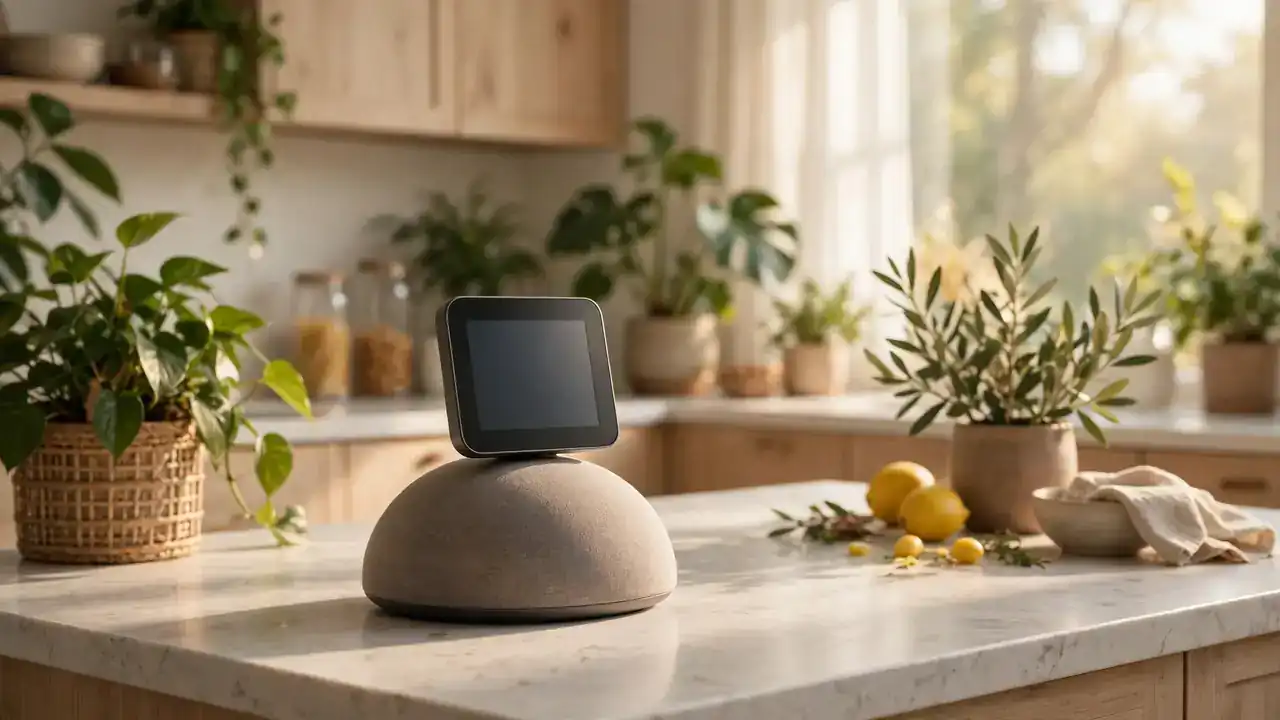
Apple announced HomeView in its newsroom on October 13, 2026, and opened pre-orders the same day. The device reached stores and first deliveries on November 13 in eight markets: the United States, Australia, Canada, India, New Zealand, Singapore, South Africa and the United Kingdom. It is not sold in the European Union. Apple says that is because Siri AI is currently unavailable in iOS in the EU, and it says it is working with the EU to find a path forward. The tabletop model comes in silver, starlight, rose pink and space gray. The wall-mounted model comes in space gray and silver. Both cost $299 in the United States. The 7-inch Liquid Retina display sits in an aluminum enclosure on a domed speaker base, joined by a stainless steel hinge that tilts for viewing from tabletops of any height. The display adjusts from 500 nits down to 0.3 nits, with True Tone. It arrives in a busy Apple hardware season; our Apple Vision Pro M5 report and our iPad Mini OLED report cover the other recent launches.
Face recognition for up to six people
HomeView recognizes up to six people by face and shows each person their own Home Screen, apps and widgets. Personal content such as Messages and Calendar appears only for the enrolled user. Shared photo albums and music stay open for everyone in the household, including guests.

Face recognition is the idea behind the whole device. Apple says HomeView is designed to be shared by everyone in the home yet feel personal to each user. When it recognizes a face, it shifts from a household screen to that person’s own experience, with their own Home Screen, apps and widgets. Personal content appears only when the enrolled user is recognized by face and their paired iPhone or iPad is present and has been recently unlocked. Apple notes the device may not recognize a covered face, including one behind sunglasses. The first reviews found a wrinkle here. The Verge’s Jennifer Pattison Tuohy, testing at home, found she could read her teenage daughter’s text messages on the shared screen, and her daughter could read hers. The Verge gave HomeView 7 out of 10, as covered in a review roundup.
Siri AI and Apple Intelligence
Siri AI is a new version of Siri, powered by Apple Intelligence and Apple silicon. It is more conversational, understands personal context from a paired iPhone or iPad, and follows a conversation across devices. On HomeView it is available in beta in software version 27.2, in English only at launch.
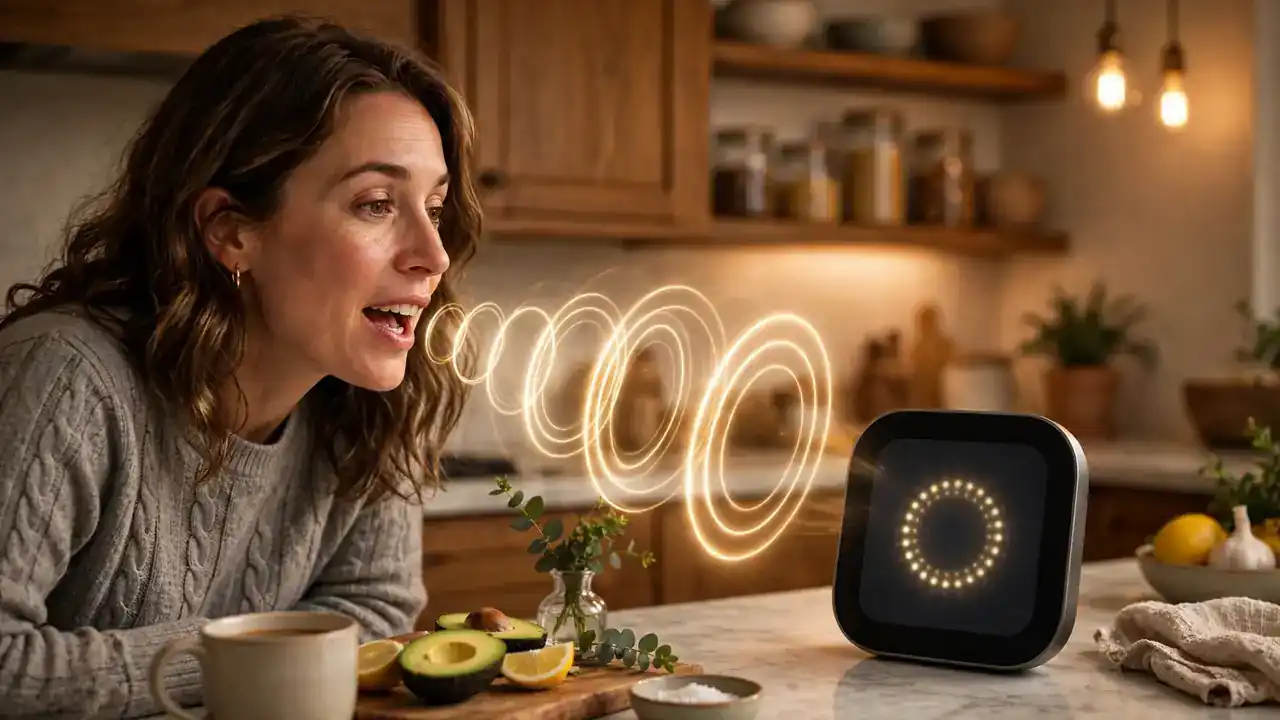
Siri AI is the reason HomeView exists now and not a year ago. Apple says it is an entirely new version of Siri, powered by the next generation of Apple Intelligence and advanced Apple silicon, with broad world knowledge and onscreen awareness. It can answer questions on almost any topic and take action across apps, drawing on personal context from Messages, Calendar and playlists. Conversations continue in the Siri app across iPhone, iPad, Mac, Apple Watch and Apple Vision Pro. Siri AI runs in beta in HomeView software version 27.2. It is available in English in the United States, Australia, Canada, India, New Zealand, Singapore, South Africa and the United Kingdom. Canadian French support comes later in a free update. Apple notes some server-side Apple Intelligence features have daily usage limits, with expanded access for a fee in the future. It has not said what the limits are or what the paid tier will cost. Reviewers found Siri AI helpful for smart home commands but slow at times on personal context requests.
Faces, photos and the home screen
HomeView shows information through faces, which are full screen displays for photos, art and home controls. The Photos face turns the screen into a living photo frame. The Flow face reacts to movement, and Snoopy animations reflect the time of day, the weather and holidays.
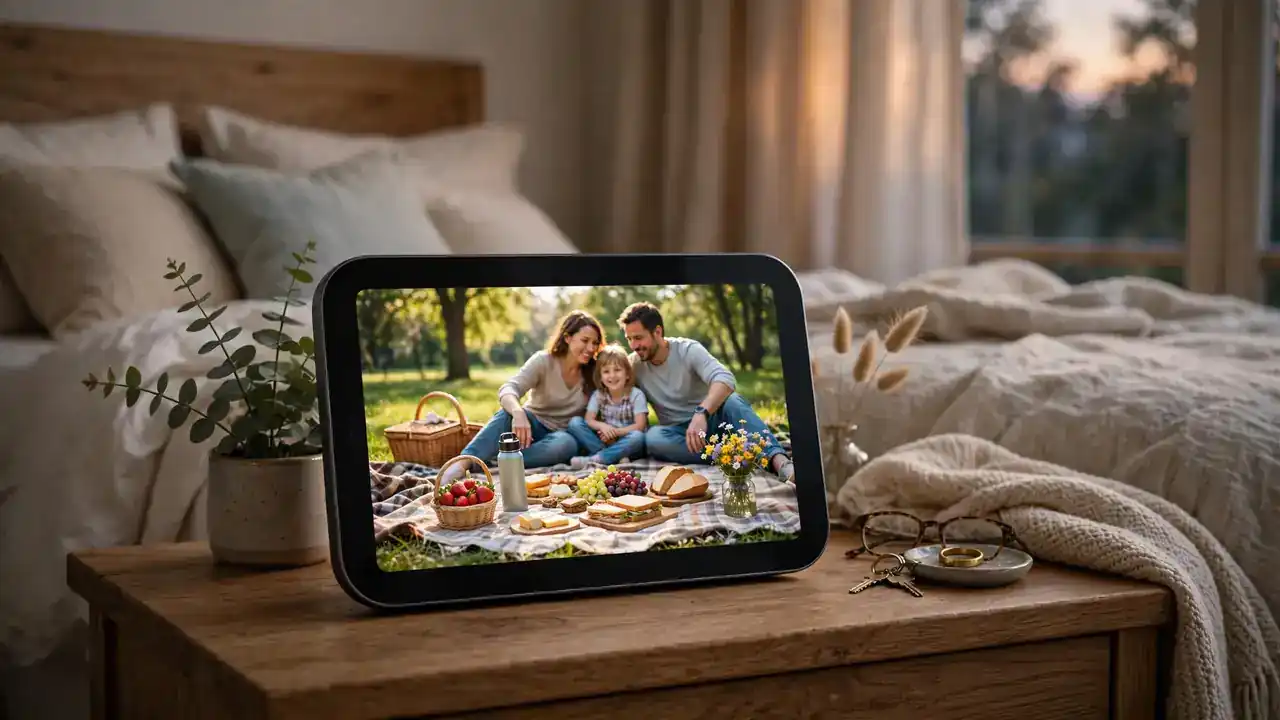
HomeView has no app grid. Instead, users pick faces that show information at a glance. The Photos face shows memories with Portrait-style depth effects. By picking a shared album, a household can turn HomeView into a living photo frame that loved ones near and far can help fill. The Flow face responds to physical presence and movement, turning the screen into interactive art. Snoopy animations reflect the time of day, the weather and holidays. The Home Modular face gives instant access to favorite smart home accessories, and the Home Camera face can livestream up to nine video feeds at once. Reviewers liked this approach. Chance Miller at 9to5Mac, after ten days with the device, concluded that Apple made the right decision by building the experience around faces rather than an app grid. The Verge called it a gorgeous digital photo frame. The app list is thin: about ten first-party apps, with no App Store and no Maps or Notes app, according to the first reviews.
Entertainment and sound
HomeView plays music through two full-range drivers, a down-firing woofer and two passive radiators, with Spatial Audio and computational audio. It runs Apple Music, Podcasts, News and Apple TV, with Handoff from an iPhone and multiroom audio with HomePod speakers.

Sound is one of the parts reviewers praised most. The tabletop model has two custom full-range drivers in the display, a down-firing woofer and two force-cancelling passive radiators in the base. Computational audio keeps loudness and bass steady at any volume. The wall-mounted version has two custom drivers and computational audio tuned for on-wall placement. The Verge compared the sound to a HomePod mini 2 with a touch more bass, and called HomeView a good speaker. For listening, it runs Apple Music with animated album art and lyrics, Apple Podcasts, Apple News and Apple TV, plus compatible third-party audio and video apps. Handoff lets a user keep listening to a song from the car or a walk by placing an iPhone in front of the display. With more than one HomeView, HomePod, HomePod mini or AirPlay speaker around the house, music can play in several rooms at once.
Calls, messages and the kitchen
HomeView keeps the household in touch with FaceTime and Center Stage, Messages by voice or onscreen keyboard, and Intercom to one room or the whole house. In the kitchen it turns web recipes into step-by-step instructions with hands-free timers. Find My and Live Activities run on the same screen.

The communication features are built for a shared room. FaceTime with Center Stage keeps everyone framed even when people move around the room. Messages can be read and answered by voice or with the onscreen keyboard. Intercom broadcasts a message to one room or the whole house. In the kitchen, HomeView works as a sous chef: it converts recipes from the web into step-by-step instructions, with hands-free timer control and help tracking ingredients. The Verge called it an excellent hands-free kitchen companion, with Handoff-guided cooking and automatic timers. Find My lets users check on loved ones who shared their locations, or track down a misplaced iPhone, AirPods charging case or personal item with an AirTag attached. Live Activities surface timely information at a glance, such as the song playing, an active timer or an incoming Intercom message from another room.
Smart home control
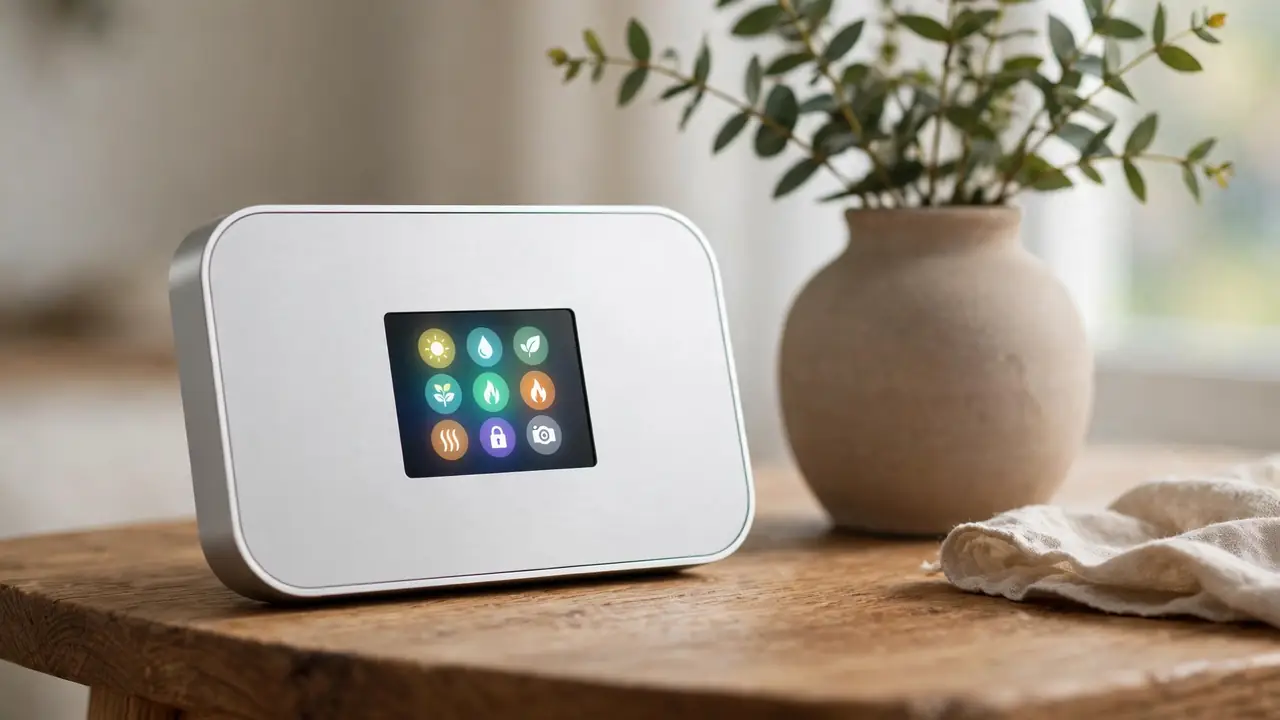
HomeView controls the smart home by touch or by voice with Siri AI. It shows camera feeds, adjusts the thermostat and lights, locks doors and closes blinds. The Home Camera face can livestream up to nine video feeds at once, and HomeKit Secure Video adds recognition of people, pets, packages and vehicles.

Smart home control is where the first reviews were warmest. The Verge’s Tuohy called HomeView superb at controlling her smart home, with lighting control as fast as pressing a regular light switch. HomeView controls accessories by touch or by voice, showing camera feeds, adjusting the thermostat and lights, locking doors and closing the blinds. The Home Camera face livestreams up to nine video feeds at once, so a household can watch the doorstep and the yard from one screen. With a supported iCloud+ plan, compatible cameras add encrypted recognition of people, pets, packages and vehicles, with alerts when someone arrives. Video descriptions for HomeKit Secure Video footage explain what happened in a clip without the user watching it. HomeView also detects the sound of smoke or carbon monoxide alarms and alerts users on their iPhone, iPad or Apple Watch. It also works with Apple Home Collection, a new lineup of cameras, thermostats and a lock built with LG and Schneider Electric, arriving from December. HomeView works only with Apple Home or Matter accessories, so Ring and Google Nest cameras and some other devices do not work with it. Smart displays are not the only new screen category this year; Meta’s display glasses are covered in our Meta Ray-Ban Display glasses report.
Privacy and security
HomeView runs on the A18 chip with Secure Exclaves, protected runtimes that process camera and microphone data apart from the rest of the system. Apple says data processed there cannot be reached by the HomeView software, apps, the user or Apple. Personal content appears only when the enrolled user is recognized.
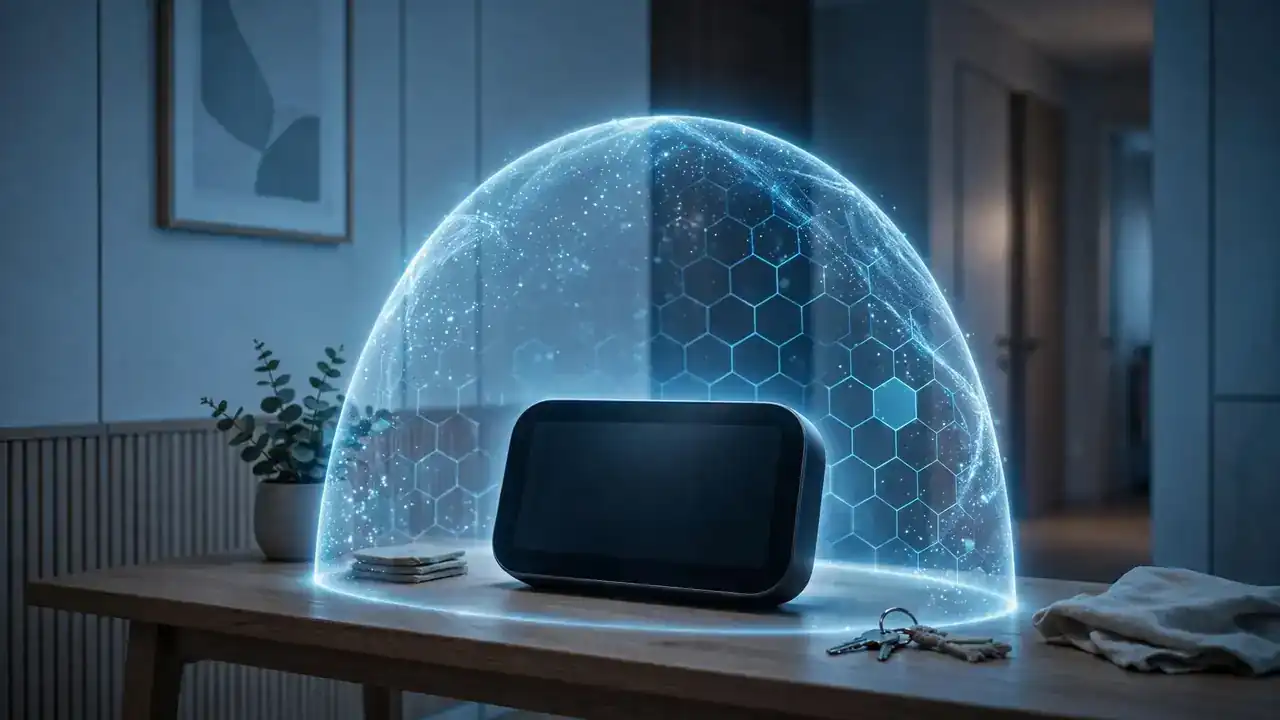
Apple built the privacy case around the A18 chip. HomeView and the A18 include Secure Exclaves: protected and compartmentalized runtimes that process camera and microphone data separately from the rest of the system. Apple says data processed and analyzed in Secure Exclaves cannot be accessed by the HomeView software, apps, the user, or Apple. Siri requests use on-device processing or Private Cloud Compute, where Apple says data is not stored or made accessible to anyone. The design still has a weak point that reviewers found in practice: when a paired phone is home on the same Wi-Fi, personal content can stay visible after the enrolled user walks away. Tuohy at The Verge found she could keep reading her daughter’s messages for up to ten seconds after her daughter left the room. Apple says personal information may stay accessible after the user leaves if the paired device is nearby and recently unlocked. Households that share messages should know this before they put HomeView in the kitchen.
Price, mounts and where to buy
Both HomeView models cost $299 in the United States. The tabletop model comes in four colors and the wall-mounted model in two. Wall mounts from Schneider Home start at $59.95, and the wall model needs a mount and a power brick, so the real cost runs higher.
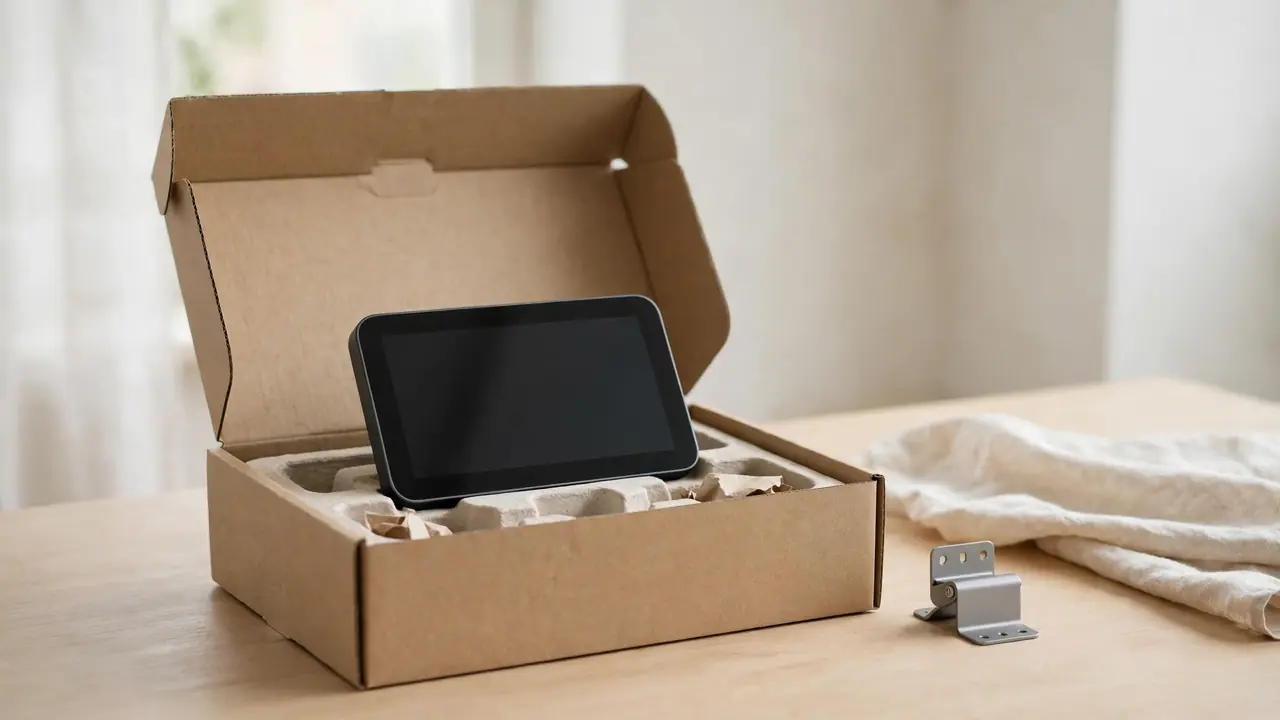
The $299 price covers the device, but the wall-mounted model costs more in practice. The wall-mounted model ships without a mount and without a power brick, so buyers need both. Schneider Home sells three purpose-built mounts: the Power Mount USB-C Wall Connector from $59.95, the Power Mount AC Wired from $79.95, and the Power Mount PoE Wired from $129.95, available in early 2027. The Verge put the wall version at around $400 with the power brick included. HomeView is on sale in the United States, Australia, Canada, India, New Zealand, Singapore, South Africa and the United Kingdom, through apple.com, the Apple Store app and Apple Stores. It is not sold in the European Union. Apple says HomeView uses 100 percent recycled aluminum in the enclosure, recycled gold and tin solder in its circuit boards, and recycled rare earth elements in all magnets.
Frequently asked questions
Apple HomeView is Apple’s first smart home display, with a 7-inch screen, Siri AI and face recognition for up to six people. It went on sale on November 13, 2026, for $299 in the United States. It is not sold in the European Union, because Siri AI is unavailable in iOS there.

What is Apple HomeView?
Apple HomeView is Apple’s first smart home display. It has a 7-inch Liquid Retina display on a domed speaker base, with Siri AI, face recognition for up to six people, and controls for entertainment, communication and the smart home.
How much does Apple HomeView cost?
Both models cost $299 in the United States. The tabletop model comes in four colors and the wall-mounted model in two. The wall model needs a mount from $59.95 and a power brick, so the full cost is higher.
When did Apple HomeView go on sale?
Apple announced HomeView on October 13, 2026. It went on sale on Friday, November 13, 2026, in eight markets including the United States and the United Kingdom.
Why is HomeView not sold in the European Union?
Apple says HomeView is not available for sale in the European Union because Siri AI is currently unavailable in iOS in the EU. Apple says it is working with the EU to find a path forward, and no EU date has been given.
Does HomeView need an iPhone?
Yes. Setup needs a compatible iPhone or iPad. Personal context requests need a paired Apple Intelligence-enabled iPhone or iPad. Siri AI still works without one, with broad world knowledge and natural conversation.
What do the first reviews say?
The Verge gave HomeView 7 out of 10, praising smart home control, kitchen help and sound, while flagging slow Siri AI and a privacy wrinkle with family texts. Engadget scored it 8.4 out of 10 and PCMag gave 4 out of 5.
Is Siri AI finished on HomeView?
No. Siri AI is available in beta in HomeView software version 27.2, in English only at launch. Canadian French support comes later in a free update. Apple also notes that some server-side Apple Intelligence features have daily usage limits, with expanded access available for a fee in the future.