

Introduction
A version number alone does not tell you whether a Windows PC is still supported. The edition matters just as much. Windows 11 version 23H2 reached the end of updates for Home and Pro editions in November 2025, but Enterprise, Education, IoT Enterprise, and Enterprise multi-session editions kept receiving updates for one more year. That extra year now ends.
Microsoft says Windows 11 version 23H2 Enterprise and Education editions will reach end of updates on November 10, 2026, and the November 2026 Windows security update will be the last update for these editions. This article explains what that date means, which devices it affects, what keeps working, and how Microsoft says to move.
What ends on November 10, 2026?

On November 10, 2026, Windows 11 version 23H2 Enterprise, Education, IoT Enterprise, and Enterprise multi-session editions reach end of updates, and the November 2026 Windows security update is the last update for these editions. After that date, Microsoft says devices on these editions will no longer receive monthly security updates that protect against the latest security threats.
The date is specific to version 23H2 and to those editions. It does not end support for Windows 11 as a whole, and it does not change the dates for newer versions. Microsoft gives the same date in its supported versions table, its Windows 11 version 23H2 status page, and its Windows message center reminders. The November 2026 security update is the last update, and after that date the monthly security updates stop. Treat November 10 as a deadline for the move.
Microsoft also issued reminders ahead of the date. Its message center carried 90 day, 60 day, and 30 day reminders for 23H2 Enterprise and Education editions, each repeating the November 10 date and the point that the November 2026 security update would be the last update. That sequence matters for planning, because it shows the date was not announced at the last minute. An organization that missed one reminder still had later reminders, and the final weeks before November 10 should be used for the rollout itself, not for a first count of affected devices.
Which editions are affected, and which are not?

The November 10, 2026 date affects Windows 11 version 23H2 Enterprise, Education, IoT Enterprise, and Enterprise multi-session editions, while Home, Pro, Pro Education, and Pro for Workstations editions of 23H2 already reached end of updates on November 11, 2025. Newer Windows 11 versions have their own dates and are not covered by this deadline.
Microsoft lists the editions in two columns in its supported versions table. One column covers Home, Pro, Pro Education, and Pro for Workstations. The other column covers Enterprise, Education, IoT Enterprise, and Enterprise multi-session. For version 23H2, the first column shows November 11, 2025, and the second column shows November 10, 2026. If a device runs 23H2 Home or Pro, it has already been out of support for about a year. If it runs 23H2 Enterprise or Education, it is still supported until November 10, 2026. A device on a newer version, such as 24H2 or 25H2, is not affected by the 23H2 date, although each of those versions has its own end date to watch.
Why did Enterprise editions get an extra year?
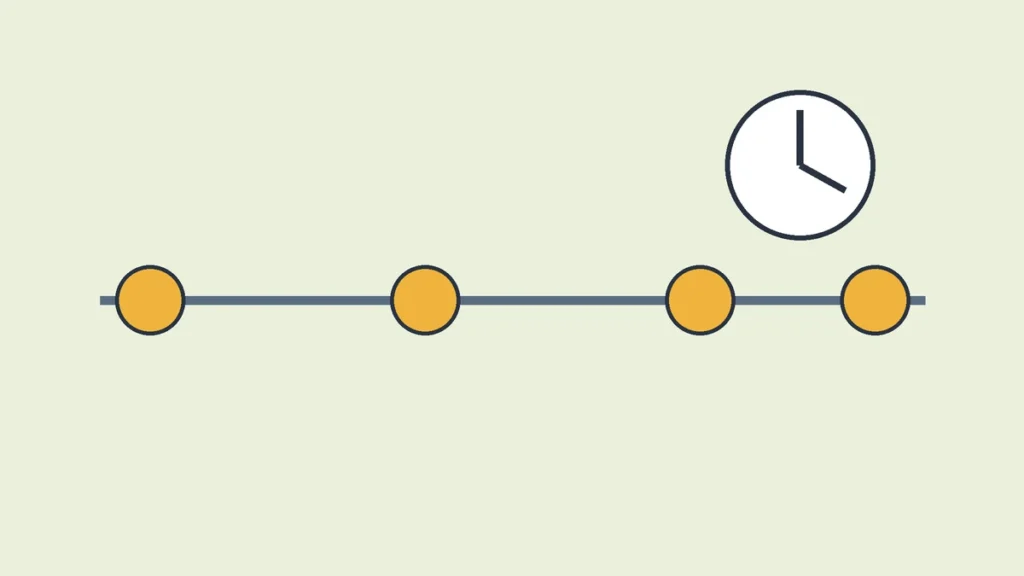
Enterprise, Education, IoT Enterprise, and Enterprise multi-session editions of Windows 11 version 23H2 received 36 months of servicing, while Home and Pro editions received 24 months. Version 23H2 became generally available on October 31, 2023, which is why the Enterprise date falls about a year later.
The difference reflects how the editions are used. Home and Pro devices are often single user machines that move with less planning. Enterprise and Education fleets can include thousands of devices, shared lab machines, and specialized software that must be tested first. A longer period gives schools and companies more time to test and roll out a new version. The extra year was the planned length for these editions from the start, and it ends on November 10, 2026.
What keeps working after November 10?
After November 10, 2026, a PC on Windows 11 version 23H2 Enterprise or Education will still start, sign in, and run its installed apps, because end of updates does not switch a device off or lock a user out. Microsoft describes the change as the end of monthly security updates, not as the end of the operating system itself.
This point matters because it is easy to read too much into a deadline. Files do not disappear, and installed programs do not uninstall themselves. The risk is quieter than a shutdown. The device keeps working as before, but new flaws found after November 10 will not receive a fix for that version. Over time, that gap grows. A device that keeps working is not the same as a device that stays protected.
What stops, and why does that matter for security?

After November 10, 2026, devices on the affected 23H2 editions will no longer receive monthly security updates or non-security preview updates, so new flaws found in Windows after that date will not be fixed for version 23H2. Microsoft states this in its message center reminders, which say the November 2026 security update is the last update for these editions.
Security updates matter because they close flaws that attackers can use. A flaw in a supported version gets a fix in a monthly update. The same flaw in an unsupported version stays open, and anyone who knows about it can try it against every device still on that version. That is why Microsoft frames the advice around protection from the latest security threats. The device may look normal, but its defense against new attacks stops improving. For a fleet on the same version, the risk is shared, because one unpatched flaw can apply to all of them at once. That is the reason to move before the date.
How do you check whether a device is on 23H2?

To check a device, open Settings, select System, then select About, and read the edition and version under Windows specifications, where a device on version 23H2 with an Enterprise or Education edition is the device this deadline affects. Microsoft Support gives this Settings path for finding the edition and version of Windows on a device.
The check takes less than a minute, but it needs both pieces of information. Version alone is not enough, because 23H2 Home and Pro already ended, and version 23H2 Enterprise is still supported until November 10, 2026. Edition alone is not enough either, because an Enterprise device on 24H2 or 25H2 is not affected by the 23H2 date. On the About page, look for the edition line first, then the version line, then the OS build. Version 23H2 uses OS build 22631, according to Microsoft’s supported versions table. If the page shows version 23H2 and an Enterprise, Education, IoT Enterprise, or Enterprise multi-session edition, that device needs a move. If it shows a newer version, the 23H2 deadline does not apply to it.
What should organizations do before the deadline?
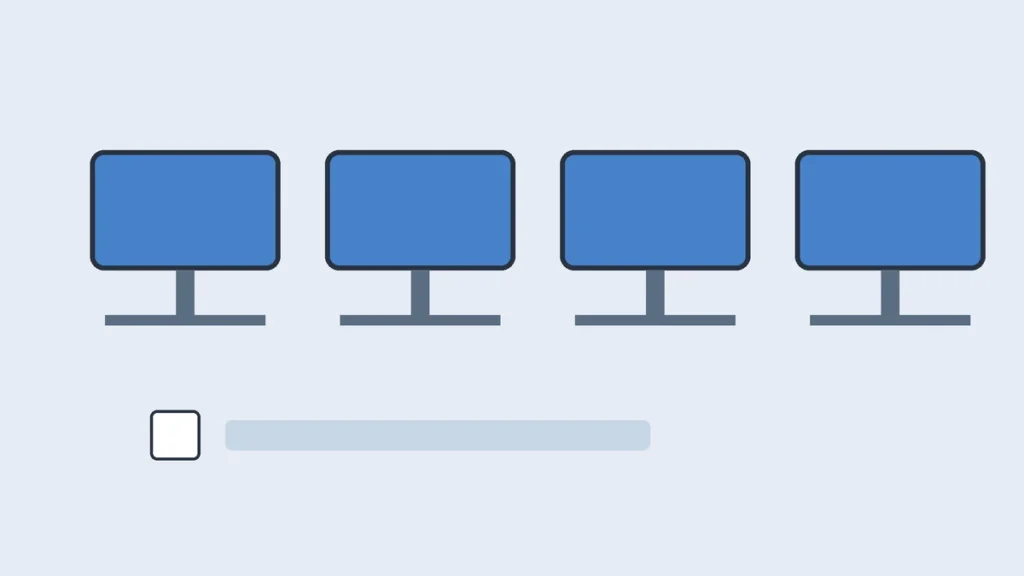
Organizations should first count devices still on Windows 11 version 23H2 Enterprise, Education, IoT Enterprise, or Enterprise multi-session, then test the target version with their main apps, and then roll it out in stages. Microsoft recommends updating eligible devices to a supported version to continue receiving monthly security updates.
Counting comes first because a deadline cannot be managed without a list. An IT team needs to know which devices are on 23H2, which edition each one runs, and which ones are shared machines, lab machines, or devices with specialized software. Testing comes next, because a feature update can affect drivers, security tools, and line of business apps. A small pilot group catches most of those problems early, when they are easier to fix. The rollout itself should follow the pilot, with time left for fixes and for devices that were offline during the first pass. Leaving the move until November risks a rush, and a rushed move is where mistakes happen. The November 2026 security update should be installed as well, since it is the last update for 23H2, but it does not replace the move to a supported version.
What should a single user on an Enterprise or Education device do?

A single user on an Enterprise or Education device should check the edition and version in Settings, install pending updates, and follow the path their school or employer provides, since managed devices are often updated by IT. Microsoft says an eligible owner can check by selecting Settings, then Windows Update, then Check for updates.
The reason to follow the managed path is control. On a work or school device, IT may set the target version, the timing, and the apps that must be tested. Installing a different version on your own can break that plan, and it can leave a device out of step with the rest of the fleet. On a device you manage yourself, the path is simpler. Open Settings, select Windows Update, select Check for updates, and if the device is ready for the update, Microsoft says you will see the option to Download and install. Install the November 2026 security update if it is offered, since it is the last one for 23H2, and then move to the supported version offered. If no update appears, do not force a move with unofficial files. Ask IT, or check again later, since readiness can depend on the device.
Which supported version should you move to?

Microsoft’s Windows message center reminders for 23H2 Enterprise and Education recommend updating eligible devices to Windows 11 version 25H2, and Microsoft says version 25H2 Enterprise and Education editions will continue to receive updates until October 11, 2028. That recommendation gives a clear target with a long support window for the editions this deadline affects.
Moving to 25H2 does not just restore monthly security updates. It also gives Enterprise and Education devices support until October 11, 2028, according to the same reminders. Microsoft also notes in an October 2026 message that 24H2 Home and Pro devices should move to 26H2 or 25H2, which shows that 26H2 exists as a newer version. For 23H2 Enterprise and Education, however, the notices name 25H2, and this article follows that recommendation. Use the version your IT team has approved if the device is managed.
What happens if a device cannot move in time?

If a device cannot move before November 10, 2026, it will keep working but will stop receiving monthly security updates for version 23H2. Treat it as a higher risk device, keep it off sensitive work where possible, and move it as soon as a supported version is ready.
A device that cannot move usually has a reason, such as an app that has not been tested, a driver that is not ready, or hardware that needs a decision. Those reasons should be written down, with a named owner and a date for the next check, rather than left as a vague plan to move later. In the meantime, limit what the device can reach. Keep it away from sensitive data and systems where a safer device can do the same job, and make sure its other protections, such as its security software, are current. Those steps reduce risk, but they do not replace a security update for Windows itself. The goal stays the same. Move the device to a supported version, or replace it if it cannot run one, and do not let an unpatched device drift without a plan.
Does my PC stop working on November 10, 2026?
No. Microsoft describes the change as the end of updates, not as a shutdown. A PC on 23H2 Enterprise or Education will still start and run its apps after November 10, 2026, but it will no longer receive monthly security updates for that version, so it will become less safe over time rather than stopping at once.
Is Windows 11 23H2 Home or Pro also affected on November 10, 2026?
No, not on that date, because Home and Pro editions of 23H2 already reached end of updates on November 11, 2025. A PC still on 23H2 Home or Pro has already been without monthly security updates for about a year, and it needs a move to a supported version for the same reason as an Enterprise device after November 10, 2026.
Does this deadline affect Windows 11 24H2 or 25H2?
No. Each Windows 11 version has its own end date. Microsoft’s supported versions table lists 24H2 Enterprise and Education editions as supported into October 2027, and its 23H2 reminders say 25H2 Enterprise and Education editions will receive updates until October 11, 2028. The November 10, 2026 date applies only to version 23H2 in the editions listed in this article.
Can I just install the November 2026 update and stay on 23H2?
No, not safely. The November 2026 security update is the last update for 23H2 Enterprise and Education editions, according to Microsoft’s message center reminders. Installing it is the right final step for 23H2, but after it, no further monthly security updates will arrive for that version, so staying on 23H2 still leaves new flaws unpatched.
Is there an extended security update I can buy for Windows 11 23H2?
Microsoft’s 23H2 notices checked for this article recommend updating to a supported version, and they do not describe an extended security update purchase for Windows 11 version 23H2 in the General Availability Channel. Do not plan on an extension based on Windows 10 extended security update terms, which applied to a different product, and ask Microsoft or your licence provider for written confirmation before assuming any paid extension exists for your devices.
What if no update to a supported version appears on my device?
Open Settings, select Windows Update, select Check for updates, and if the device is ready for the update, Microsoft says you will see the option to Download and install. If no update appears, install any pending updates first, check again later, and on a managed device ask your IT team, since the target version and timing may be set by policy rather than by the device itself.
Does this deadline affect Long-Term Servicing Channel editions?
No, not directly. This deadline covers Windows 11 version 23H2 in the General Availability Channel, and Microsoft lists Enterprise and IoT Enterprise LTSC editions separately in its supported versions table, with their own dates. A device on a Long-Term Servicing Channel edition should be checked against the LTSC dates for its own release, not against the November 10, 2026 date for 23H2.
References
- Microsoft Learn, Supported versions of Windows client: https://learn.microsoft.com/en-us/windows/release-health/supported-versions-windows-client/
- Microsoft Learn, Windows 11, version 23H2 known issues and notifications: https://learn.microsoft.com/en-us/windows/release-health/status-windows-11-23h2
- Microsoft Learn, Windows message center: https://learn.microsoft.com/en-us/windows/release-health/windows-message-center
- Microsoft Support, Find information about your Windows device: https://support.microsoft.com/en-us/windows/experience/find-information-about-your-windows-device



1 comment