Some reports dated 20 November 2026 describe the Microsoft Copilot Mac app as a brand new launch. That date is wrong: Microsoft released the Copilot app for Mac on 27 February 2025, and the November reports repeat that launch story almost word for word. What did change in November 2026 is the Copilot app itself. At its Ignite conference on 17 November, Microsoft made the new Home view and Office in Copilot generally available. This guide covers the app as it stands now: the setup, the shortcut, four daily workflows, and where it stops short of the ChatGPT and Gemini Mac apps.
First, check whether your Mac can run it
You need a Mac with an Apple M1 chip or later, running macOS 14 Sonoma or later. Intel Macs cannot install the app. Open the Apple menu, choose About This Mac, and check the chip line and the macOS line before you download anything.
The chip line is the part that catches people out: Microsoft has never offered the Copilot Mac app for Intel Macs. If yours has an Intel processor, use the web version at copilot.microsoft.com instead. If your Mac has Apple Silicon but runs macOS 13 or older, update macOS first. Our MacBook Pro M5 coverage explains the current lineup.
Install the app from Microsoft in a few minutes
Go to Microsoft’s Copilot download page, choose the Mac download, open the installer, and sign in with your personal Microsoft account or your work or school account. The app itself is free. The download takes a few minutes, and you can open the app from Launchpad or your Applications folder when it finishes.
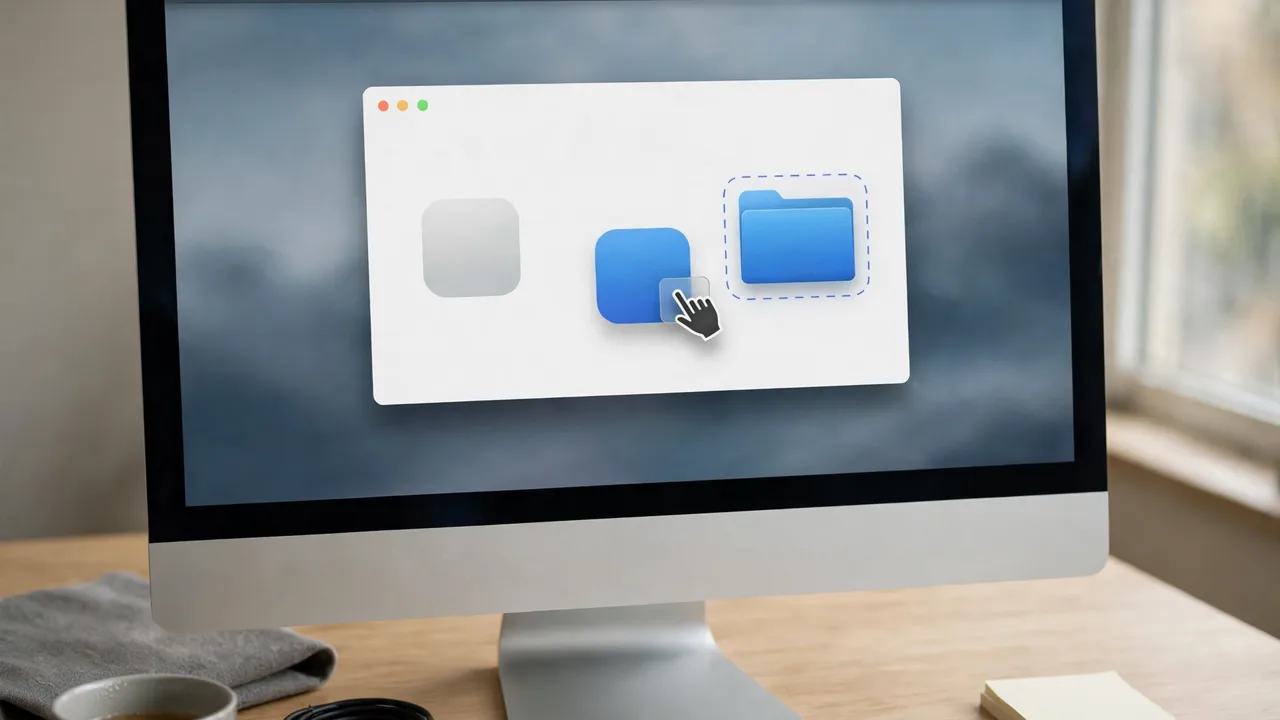
At launch in February 2025, the app came from the Mac App Store. Microsoft now offers the Mac download from its own download page, which lists macOS Sonoma 14 or later as the requirement. A personal Microsoft account gives you the free Copilot chat, while a work or school account connects the app to your organization’s Microsoft 365 setup. Microsoft notes that feature availability varies by country and region.
The same launch also let iPhone and iPad users sign in with an Apple ID.
Open Copilot from anywhere with Option and Space
Press Option and Space at any time to bring up a small Copilot window, type your question, and press Return. The window sits over whatever you are doing, so you do not need to switch apps. If the shortcut clashes with another app, change it under Account, then Keyboard Shortcut.

That shortcut is the main reason to install the app instead of keeping Copilot in a browser tab. One press opens a small prompt box over whatever you are doing, and the answer appears without your windows moving around.
Two settings are worth changing. The first is the shortcut. Go to Account, then Keyboard Shortcut, and type a different combination if Option and Space belongs to something else; the Gemini app for Mac uses the same shortcut, so one of them has to give way. The second is the appearance. The app follows your macOS setting by default, but App Appearance lets you switch from Auto to Day or Night.
What the Mac app can do, and where it stops
The Microsoft Copilot Mac app answers questions, drafts text, makes images, talks back by voice, and helps with questions about using your Mac. It cannot open Copilot Pages or run Deep Research on macOS, and it cannot take over other apps on your desktop.
Ask Copilot to draft an email, shorten a long block of text, translate a paragraph, or find an answer on the web. The app also makes images from a text description, and it accepts images as input. Voice and Think Deeper were made free for all Copilot users in the same week the Mac app launched, according to TechCrunch.
Device context is the one Mac-only trick: Copilot answers questions about using your Mac, in terms that fit your version of macOS.
Microsoft lists the limits on its Mac support page. Copilot Pages and Deep Research are not available on macOS, and Copilot cannot operate other apps on your desktop. It will not click through menus, fill in forms, or finish a multi-step job inside another program.
What changed in November: Home, Cowork and Office in Copilot
Home is the new starting point in the Copilot app, and Microsoft made it generally available on 17 November 2026. Chat and Cowork sit together behind one prompt box, and Auto routes each request to the right model. For a multi-step job, Copilot may suggest moving it from Chat to Cowork.
Home brings Chat and Cowork together
Home is where Microsoft wants all Copilot work to begin. Chat answers a quick question. Cowork takes on a job with several steps. Until November, those two lived apart; now they share one prompt box and one history. Auto picks the model and the effort for each request, and you can also pick a model yourself from OpenAI or Anthropic.
Not everything in Home is finished. The Today view is in private preview, while Workspaces and Autopilot are rolling out to Frontier customers, and Home itself is still reaching accounts in stages.
Office in Copilot puts Word, Excel and PowerPoint inside the app
Office in Copilot is the change most Mac users will feel first. Word, Excel and PowerPoint now open inside the Copilot app, so you can start with an idea in a chat and finish with an editable document, spreadsheet or deck. Files inherit the same Microsoft 365 permissions and compliance controls they would have in OneDrive. Copilot Code, which builds apps and dashboards from plain language, is due in the coming weeks.

Four daily workflows worth trying first
Try a morning email draft, a summary of a long document, an image for a post, and a quick answer about a Mac setting. Each one takes a single prompt and a short check of the result. The examples below give you the exact wording to copy for each job.
Draft an email in your own voice
Paste the thread you are answering into Copilot, then write: “Draft a short reply to this thread. Say yes to Friday at 10, ask them to send the agenda, and keep it under 80 words.” Read it, fix what sounds wrong, and paste it into your mail app yourself.
Summarize a long page of text
Paste a long article into the prompt box and write: “Summarize this in five short points. Keep every number and date exactly as written.” Check each point against the original before you quote it.
Make an image for a post
Write: “Make a wide image of a tidy desk with a laptop, a notebook and a coffee cup in morning light, no text in the image.” Check it at full size before you post it.
Ask how to do something on your Mac
Ask: “What shortcut do I use to take a screenshot on this Mac?” Then follow the steps Copilot gives you.

Files, privacy and what Copilot can see
Copilot on your Mac works with what you type, paste or upload, plus device context that answers questions about your Mac. It does not get free run of your files, and it cannot open other apps on its own. Keep uploads to what the task needs.
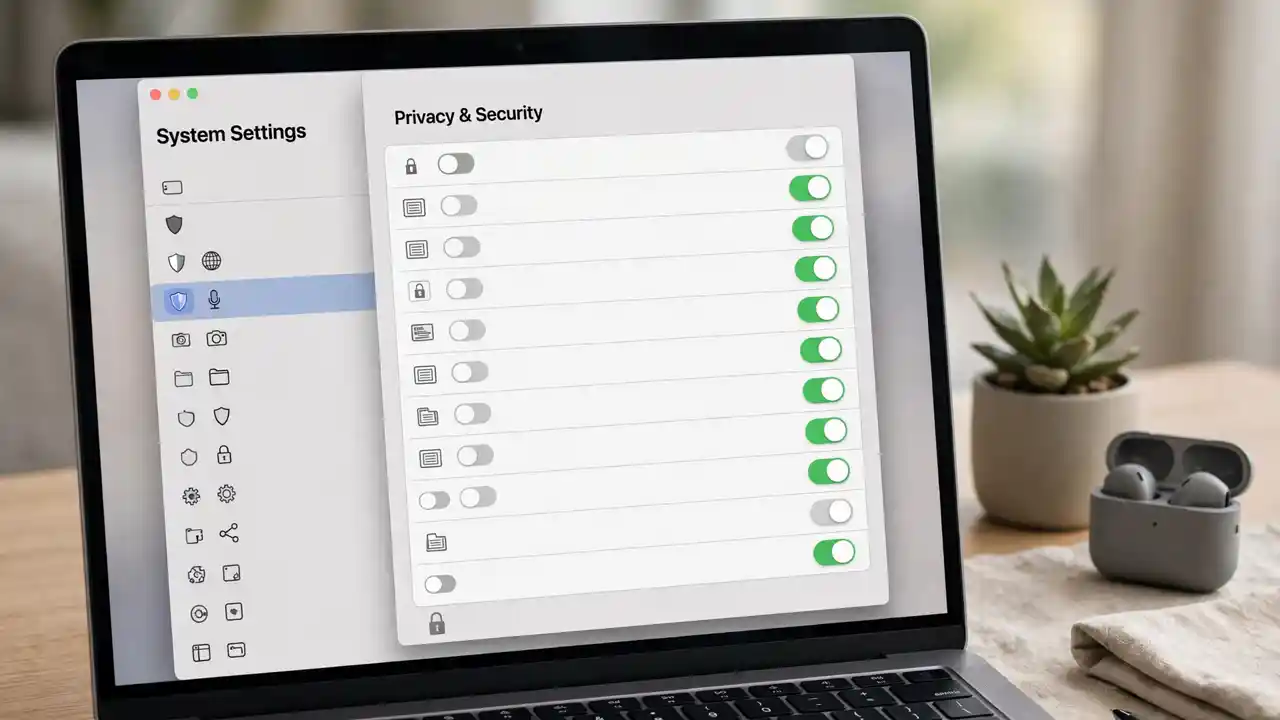
Copilot sees what you put in front of it: your prompt, a pasted block of text, an image you upload. It does not read your files in the background, and it does not open your other apps. To work on a document, paste the text or upload the file yourself.
Work accounts add a second layer. If you sign in with a work or school account, your organization’s settings decide which Copilot features you get. Work IQ, which grounds Copilot in your company’s mail, files and meetings, works inside the permissions you already have. Microsoft says Copilot runs on enterprise grade security.
For a personal account, sign in with a Microsoft account you control, and turn on a second step for that account; our Microsoft account passkey guide walks through passkeys and two-step verification. Do not paste passwords, bank details, or private files into a chat. If Microsoft 365 itself has a bad day, the app can fail with it; our Microsoft 365 outage report explains what that looks like.
Fix the problems most Mac users hit
Most problems come from four places: a Mac that does not meet the requirements, a shortcut that clashes with another app, a feature that has not reached your account yet, or a sign-in that needs a second step. Work through them in that order.

If the installer refuses to run, check About This Mac first: an Intel chip or macOS 13 rules the app out. If your Mac qualifies and the download still fails, get the installer again from Microsoft’s download page.
If Option and Space does nothing, another app owns the shortcut. Gemini is the usual suspect, since it uses the same combination. Open Copilot, go to Account, then Keyboard Shortcut, and set a combination nothing else uses. If the small window opens but shows no answer, check your connection and sign back in.
If a feature from the November announcement is missing, wait for the rollout: Home is still reaching accounts in stages, and Copilot Code is not generally available yet. If Copilot keeps asking you to sign in, check the account: a personal Microsoft account and a work account open different versions of the same app.
Copilot, ChatGPT and Gemini on the Mac, side by side
Copilot fits people who live in Microsoft 365, ChatGPT fits people who want computer control and coding help on the Mac, and Gemini fits people who live in Google apps and want background task help. The table below lines up launch dates, requirements, prices and limits.
They differ in what they can reach. Copilot reaches deepest into Word, Excel and PowerPoint, and it is the only one that puts those apps inside the assistant itself. ChatGPT reaches deepest into your Mac, with Work and Codex able to work with local files. Gemini sits between them: its computer use works in an isolated background window, but it needs a paid plan and is limited to the United States for now.
Price is the other split. Copilot is free as an app, and its paid route is a Microsoft 365 plan: Personal at $9.99 a month, Family at $12.99, and Premium at $19.99, per Microsoft’s pricing page. ChatGPT is also free to start, with Plus at $20 a month. Gemini is free as an app, and its computer use needs a paid Google AI plan.
| Microsoft Copilot Mac app | ChatGPT Mac app | Gemini Mac app | |
|---|---|---|---|
| Mac launch | 27 February 2025 | Rebuilt 9 July 2026 | 15 April 2026 |
| macOS needed | 14 or later | 14 or later | 15 or later |
| Chips | Apple Silicon only | Apple Silicon or Intel | Apple Silicon only |
| Shortcut | Option and Space | Option and Space | Option and Space |
| Free tier | Free app with a Microsoft account | Free tier available | Free app |
| Paid plan from | Microsoft 365 Personal, $9.99 a month | ChatGPT Plus, $20 a month | Paid plan required; price not verified |
| Operates other Mac apps | Not announced | Yes, through Work and Codex | Yes, in a background window |
| Office file editing | Word, Excel and PowerPoint inside the app | Not announced | Not announced |
| Notable gap | No Pages or Deep Research on macOS | Classic retires 30 Jan 2027 (in-app notice) | Computer use limited to paid plans in the United States |
The pick comes down to where your work already lives. If your documents are Word files, your mail is Outlook, and your meetings are Teams, Copilot is the assistant that meets you there. If you write code or want an assistant that can carry out multi-step jobs across your Mac, ChatGPT’s Work and Codex do more. If your mail is Gmail and your files are Drive, Gemini is the natural fit, and our Gemini app for Mac guide walks through its setup. For the full head to head between the other two, see our Gemini vs ChatGPT comparison.
Frequently asked questions
Readers ask the same questions after a guide like this: whether the app costs anything, which Macs run it, what the shortcut is, and whether Copilot can take over the desktop the way Gemini can. The answers below stick to what the three companies have published.

Is the Microsoft Copilot Mac app free to download?
Yes. The app is a free download, and you can chat with a Microsoft account at no cost. More usage and the Office features come with a Microsoft 365 plan: Personal at $9.99 a month, Family at $12.99, and Premium at $19.99, per Microsoft’s pricing page.
Did Microsoft launch the Copilot Mac app in November 2026?
No. Microsoft launched the Copilot app for Mac on 27 February 2025, and reports dated 20 November 2026 repeat that launch story. What is new is the Ignite update: Home and Office in Copilot became generally available on 17 November 2026.
Which Macs can run the Microsoft Copilot Mac app?
You need an Apple Silicon Mac, meaning an M1 chip or later, running macOS 14 Sonoma or later. Intel Macs cannot install the app. Check under About This Mac in the Apple menu.
What is the shortcut to open Copilot on a Mac?
Press Option and Space. A small Copilot window appears, you type your question, and you press Return. You can change the shortcut under Account, then Keyboard Shortcut.
Can Copilot control other apps on my Mac?
No. Copilot answers questions, drafts text, makes images, and talks by voice, but it cannot click through other apps or fill in forms.
Do I need a paid plan for Cowork or Office in Copilot?
Access depends on your plan and on the rollout. Office in Copilot is generally available as part of the Copilot subscription. Free chat works without a paid plan, so try that first.
What is missing from the Mac app compared with the web?
Copilot Pages and Deep Research are not available on macOS, according to Microsoft’s Mac support page. Document summarization was promised for the Mac app after launch in February 2025, but the current Mac page does not list it, so treat it as unconfirmed.
Sources: Microsoft Support, Getting started with Copilot on macOS – https://support.microsoft.com/en-gb/microsoft-365-copilot/getting-started-with-copilot-on-macos | Microsoft, Download the Microsoft Copilot app – https://www.microsoft.com/en-us/copilot/download-copilot-app | Microsoft Copilot Blog, Copilot at Microsoft Ignite, 17 November 2026 – https://www.microsoft.com/en-us/copilot/blog/2026/11/17/copilot-at-microsoft-ignite-expanding-whats-possible-with-intelligence-built-for-work/ | Microsoft, Compare Microsoft 365 plans and pricing – https://www.microsoft.com/en-us/microsoft-365/buy/compare-all-microsoft-365-products?&activetab=1 | TechCrunch, Microsoft Copilot gets a macOS app, 27 February 2025 – https://techcrunch.com/2025/02/27/microsoft-copilot-gets-a-macos-app/ | Gadgets 360, Microsoft Copilot App for macOS Released, first published 28 February 2025 – https://www.gadgets360.com/ai/news/microsoft-copilot-app-macos-launched-features-iphone-ipad-update-7815257 | Google, The Gemini app is now available on Mac OS, 15 April 2026 – https://blog.google/innovation-and-ai/products/gemini-app/gemini-app-now-on-mac-os/ | 9to5Mac, OpenAI tweaks chat access in the ChatGPT app for Mac, 17 July 2026 – https://9to5mac.com/2026/07/17/openai-fixes-chat-access-in-the-chatgpt-app-for-mac/